The hardest part of ordering food in China is usually not finding a restaurant. It is giving a usable address, receiving messages, and knowing whether the courier should stop at reception, a delivery shelf, or an outside gate.
Before choosing food, prepare the address and pickup point.
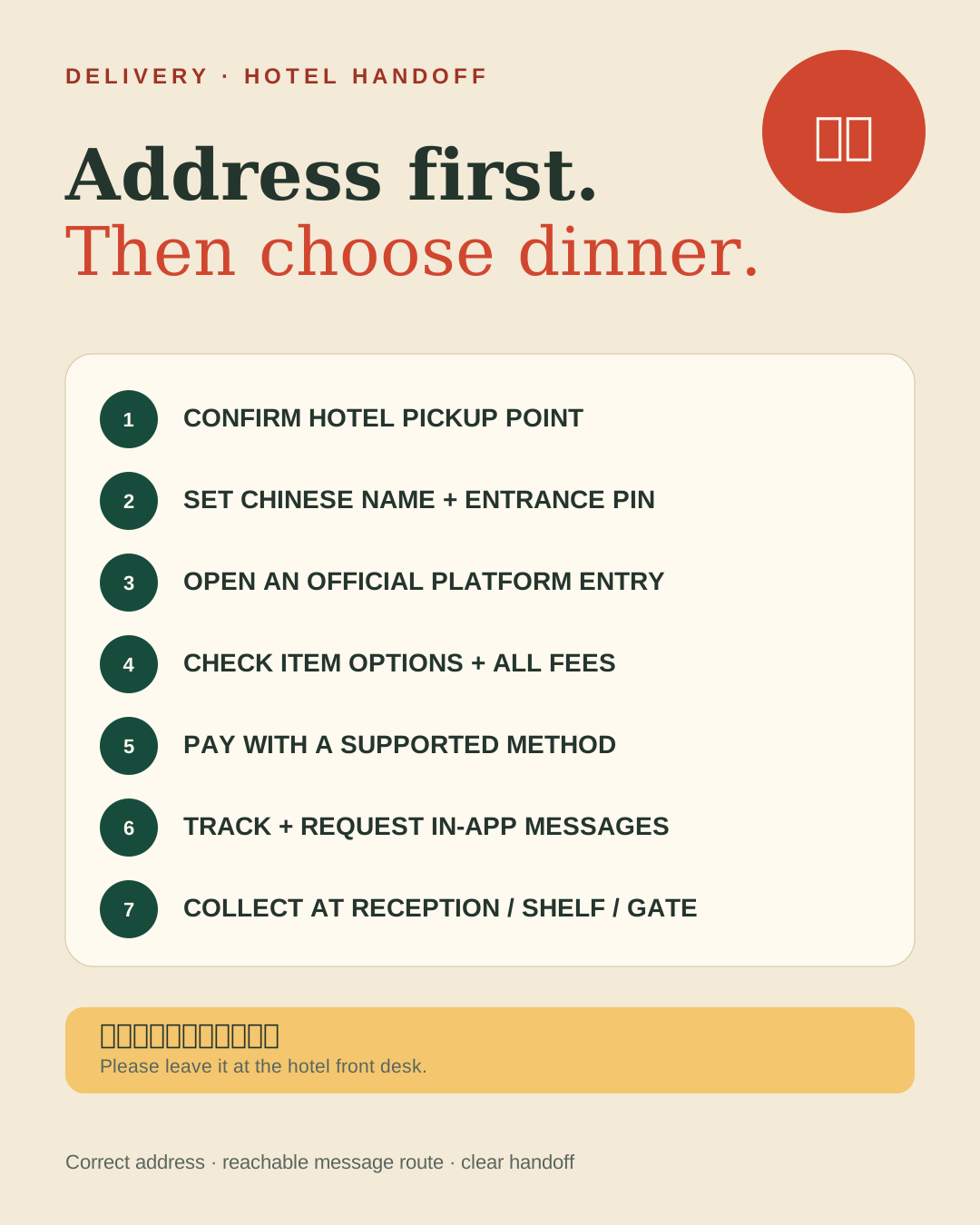
1. Ask the hotel where deliveries go
Ask reception whether couriers may enter the lobby or guest floors and whether orders go to reception, a shelf, locker, or outside entrance. Confirm the hotel’s full Chinese name, Chinese address, building, entrance, and late-night rule.
Many hotels do not allow couriers upstairs. “Delivered to the hotel” does not mean “delivered to your room.”
Bottom line: For your first order, confirm the pickup point before the restaurant.
2. Choose an official platform entry
Meituan Waimai and Ele.me are common delivery services. A short-term visitor can first search for an official mini program inside an already logged-in WeChat or Alipay account, or use the platform’s official app.
Current WeChat and Alipay versions offer mini-program translation tools. Menus, language support, overseas phone registration, and payment compatibility still vary by account and version. If one official route blocks registration or payment, try another; never install a payment or delivery APK from an unknown link.
Bottom line: Start inside an app you already use. Install a dedicated delivery app only if you will order often.
3. Build an address the courier can use
Include the city and district, street, building’s Chinese name, entrance or lobby, pickup instruction, a reachable number, and an accurate map pin.
Show the booking’s Chinese address to reception and ask them to confirm the correct entrance. A large hotel, mall, apartment complex, or campus may have several gates.
Save these two notes:
- 请放在酒店前台,谢谢。 — Please leave it at the hotel front desk.
- 我不会说中文,请在 App 里发消息。 — I do not speak Chinese. Please message me in the app.
Bottom line: Chinese building name + correct entrance pin + pickup instruction beats a long English address.
4. Check the restaurant and final price
Before paying, check distance, delivery estimate, delivery and packaging fees, minimum order, item size, quantity, temperature, spice level, recent ratings, and cancellation or substitution terms.
Discounts may have complicated thresholds. Your first order does not need extra food simply to unlock a coupon. Weather, rush hour, holidays, distance, and kitchen speed can all change the estimate.
5. Treat allergies differently from preferences
Menus may require separate choices for portion, add-ons, spice, temperature, sweetness, sides, drinks, and disposable cutlery.
Useful notes include 不要辣 (no spice), 少辣 (less spicy), 不需要餐具 (no disposable cutlery), and 请放前台 (leave at reception).
For a severe allergy, religious restriction, or medical diet, do not depend only on automatic translation and a free-text note. Use a restaurant or hotel that can confirm directly, or order in person when cross-contact would be dangerous.
6. Check once before payment
Confirm the city, address, pin, phone, items, quantities, options, all fees, delivery time, and payment route.
Use Alipay, WeChat, or another method explicitly accepted on the current screen. A foreign card linked to Alipay does not guarantee every delivery mini program will process it. If payment fails, change official route or backup method; never give a merchant or courier your card, password, or SMS code.
7. Track, message, and collect
Watch whether the restaurant accepts the order, when the courier collects it, the changing arrival estimate, in-app messages, and calls.
If calls are difficult, request in-app messages in the address note and wait at the pickup point shortly before arrival. Check the order number or restaurant before taking a bag from a shared shelf. Photograph missing, damaged, or wrong items and use the order’s current support flow.
If you do not have a Chinese number
Overseas-number registration and courier calls depend on the current platform and account. Try, in order:
- an official mini program inside your logged-in Alipay or WeChat
- official-app registration with your overseas number
- a number that receives verification texts, plus a note requesting in-app messages
- hotel help confirming the address and pickup point
- hotel dining, pickup, or eating at the restaurant if the account flow remains unreliable
Do not buy an unknown verification number or use a stranger’s account for one meal.
Cancellations, refunds, and wrong orders
Whether you can cancel depends on the live order status. Check the order page first, then contact the restaurant or courier through that order, keep the order number, messages, and photos, and use the platform’s support entry.
Refund timing depends on platform and original payment route. Never scan a new QR code from a stranger to “receive” a refund.
Final answer: Use an official delivery entry, but solve the physical handoff first. A confirmed Chinese address, correct entrance pin, clear hotel pickup point, and two saved Chinese notes are more valuable than knowing every delivery app.
Continue reading
- Essential Apps for Your First Trip to China
- How to Read a Menu and Order at a Restaurant in China
- How to Get Mobile Data in China
- What to Buy in China: Shopping, Tax Refunds, and Smart Checks
- How to Book a Hotel and Register Your Stay in China
Sources checked for this update
- Shanghai City News Service, Your guide to WeChat & Alipay mini-program translation tools, June 4, 2025
- Meituan Waimai official FAQ on order status, cancellation, location, verification, and support, checked July 19, 2026; outdated web-payment details were not preserved
- Alipay+, Pay in the Chinese mainland, checked July 19, 2026